0
0
Support the library.
Your support helps keep books free for everyone ❤️
📍 Noticed
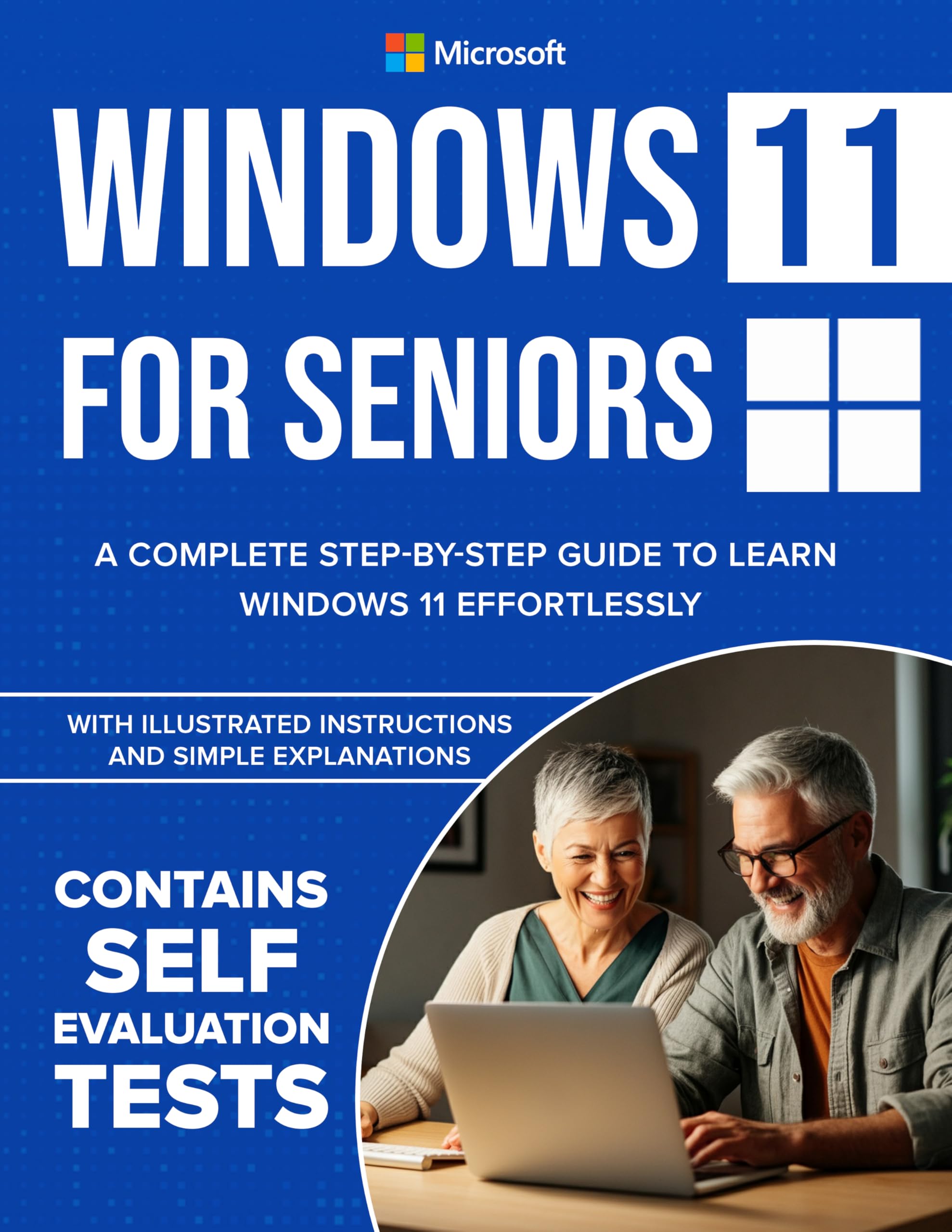
Windows 11 for Seniors: A Complete Step-by-Step Guide to Learn Windows Effortlessly, with Illustrated Instructions and Simple Explanations.
by Lukas Worley
Sponsored
Synopsis
Ready to go from Tech Novice to Tech Savvy? Look no further!
Unlock the power of Windows 11 with this comprehensive, step-by-step guide, designed specifically for seniors, beginners, and anyone who wants to master their computer with ease.
⭐ Thousands of copies sold worldwide — now updated and ...
Unlock the power of Windows 11 with this comprehensive, step-by-step guide, designed specifically for seniors, beginners, and anyone who wants to master their computer with ease.
⭐ Thousands of copies sold worldwide — now updated and ...
Ready to go from Tech Novice to Tech Savvy? Look no further!
Unlock the power of Windows 11 with this comprehensive, step-by-step guide, designed specifically for seniors, beginners, and anyone who wants to master their computer with ease.
⭐ Thousands of copies sold worldwide — now updated and easier than ever to use!
✅ Changelog for Your Tech Skills:
Upgrading from Windows 10? This guide walks you through every step of the process, ensuring a smooth transition to Windows 11 with clear instructions and troubleshooting tips from an expert.
Navigate Windows 11 Effortlessly: Master the desktop, Start Menu, Taskbar, and other essential tools.
Outlook and Other Built-In Apps: Manage your email, schedule, and tasks using Microsoft Outlook, plus explore apps like Edge and Media Player.
Master OneDrive: Back up, sync, and share your files with ease.
Explore Copilot: Simplify tasks and boost productivity with Windows 11’s AI-powered assistant.
Enhance Security and Maintenance: Learn to protect your system with Windows Defender, Firewall, and regular updates while keeping your PC running smoothly.
Troubleshoot Like a Pro: Step-by-step guidance to resolve common Windows issues.
Customize Your Experience: Personalize your desktop, Taskbar, and accessibility settings to suit your needs.
Connect External Devices: Work seamlessly with printers, scanners, USB drives, and external monitors.
With its simple explanations and illustrated instructions, Windows 11 for Seniors covers everything from getting started to troubleshooting — all while focusing on making technology accessible and enjoyable.
🚀 Empower yourself with the knowledge to make Windows 11 work for you – click Buy Now to get started!