4
0
Support the library.
Your support helps keep books free for everyone ❤️
📍 Noticed
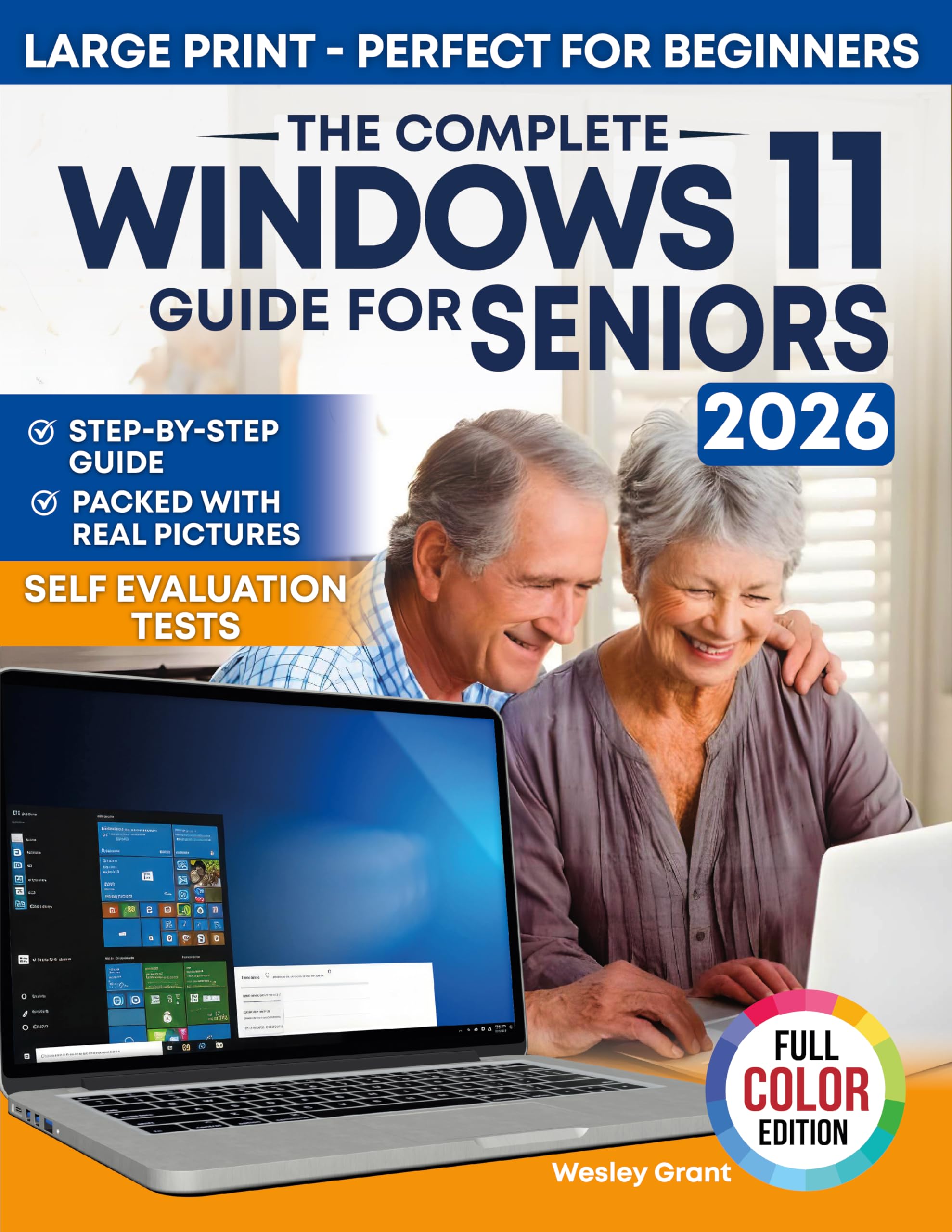
The Complete Windows 11 Guide for Seniors: An easy, Step-by-Step Visual Guide for Beginners Packed With Clear Pictures to Master Windows 11 Without Frustration ... (The Tech-Savvy Guides for Seniors)
by Wesley Grant
Sponsored
Synopsis
Tired of calling someone every time Windows 11 feels “too much”?
Unlock the power of your PC with The Complete Windows 11 Guide for Seniors—the friendly, jargon-free handbook that shows you exactly where to click and what to do, one colorful screenshot at a time.
No tiny fonts, no ...
Unlock the power of your PC with The Complete Windows 11 Guide for Seniors—the friendly, jargon-free handbook that shows you exactly where to click and what to do, one colorful screenshot at a time.
No tiny fonts, no ...
Tired of calling someone every time Windows 11 feels “too much”?
Unlock the power of your PC with The Complete Windows 11 Guide for Seniors—the friendly, jargon-free handbook that shows you exactly where to click and what to do, one colorful screenshot at a time.
No tiny fonts, no tech-speak—just clear, step-by-step instructions that build confidence from the very first page.
What You’ll Get Inside
💻 Learn Windows 11 the Easy Way – Follow simple, numbered steps and full-page images that make every action crystal-clear.
🖼️ See Every Click – High-resolution screenshots and large print keep you on track without squinting or guessing.
🔍 Senior-Friendly Layout – Generous spacing, bold headings, and plain English explanations banish overwhelm.
🔒 Stay Safe & Up to Date – Master security settings, backups, and maintenance so your PC runs smoothly for years.
🌐 Connect & Share – Email, surf the web, manage photos, video-chat with family, install a printer, link your phone, and more.
🔧 Fix Problems Yourself – Built-in troubleshooting tips help you handle hiccups without frustration.
Why This Book Is Different
Most computer manuals drown you in tech jargon or microscopic text—this one was written for seniors from page one. Each lesson is a bite-sized “win,” so you never feel lost. Self-assessment tests after every chapter reinforce what you’ve learned and boost confidence.
Imagine…
Video-chatting with grandchildren, organizing photos, shopping online, and solving little PC issues on your own—all without a single “Can you help me?” phone call. This guide turns that dream into a stress-free reality.
🎁 PLUS BONUS EXTRAS!
✔️ Interactive Self-Evaluation Tests – Take quick, online quizzes that grade themselves and track your progress.
✔️ Printable Troubleshooting Flowchart – A step-by-step diagram that guides you through the most common PC problems before you panic.
✔️ 10 Free Apps Every Senior Should Try – Discover the safest, most useful Windows programs for entertainment, health, learning, and staying connected.
Ready to enjoy your computer without the headaches?
Click “BUY NOW” and start mastering Windows 11—confidently, independently, and in full color!
You May Also Like
Fake it 'Til Christmas
Claudia Burgoa

The Lost Founder: James Wilson and the Forgotten Fight for a People's Constitution
Jesse Wegman

Murder on an Italian Island: An addictive cozy murder mystery from T. A. Williams (An Armstrong and Oscar Cozy Mystery Book 12)
T A Williams

The Polar Express
Chris Van Allsburg

You Will Be Peter
Jerry Lathan

On Death and Dying: What the Dying Have to Teach Doctors, Nurses, Clergy and Their Own Families
Elisabeth Kübler-Ross
Memoir Picks
View All
A Danger to the Minds of Young Girls: Margaret C. Anderson Book Bans and the Fight to Modernize Literature
Adam Morgan

I Regret Almost Everything
Keith McNally

Beyond the Wand: The Magic & Mayhem of Growing Up a Wizard
Tom Felton

The House of Hidden Meanings
RuPaul

The Light We Carry: Overcoming in Uncertain Times
Michelle Obama

Vagabond: A Memoir
Tim Curry
