2
0
Support the library.
Your support helps keep books free for everyone ❤️
📍 Noticed
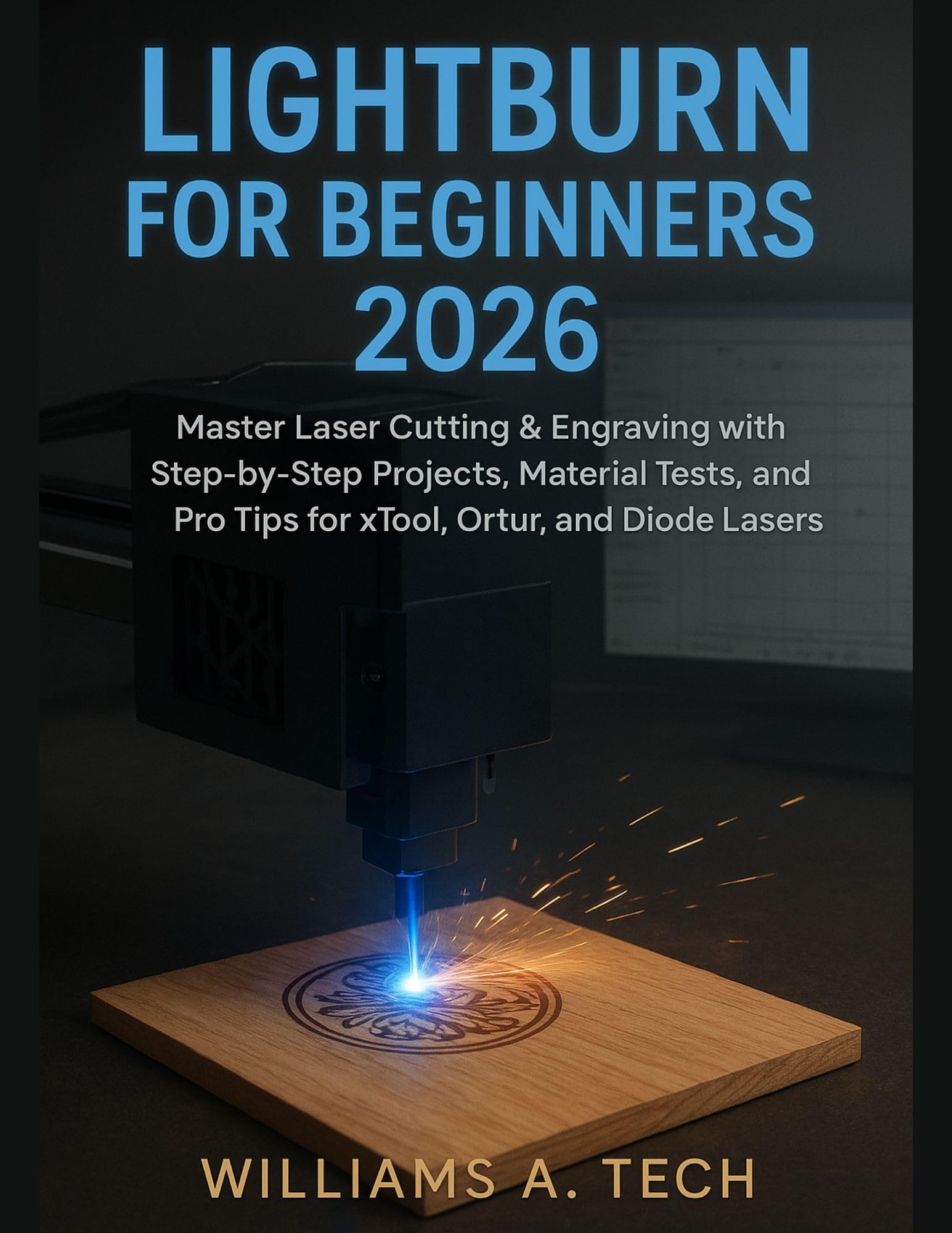
LIGHTBURN FOR BEGINNERS 2026: Master Laser Cutting & Engraving with Step-by-Step Projects, Material Tests, and Pro Tips for xTool, Ortur, and Diode Lasers
by Williams A. Tech
Sponsored
Synopsis
Whether you’ve just unboxed your first diode laser or you’re ready to finally master LightBurn once and for all, LightBurn for Beginners 2026 gives you everything you need to go from confused beginner to confident creator—fast. Designed specifically for modern xTool, Ortur, Atomstack, ...
Whether you’ve just unboxed your first diode laser or you’re ready to finally master LightBurn once and for all, LightBurn for Beginners 2026 gives you everything you need to go from confused beginner to confident creator—fast. Designed specifically for modern xTool, Ortur, Atomstack, Sculpfun, and other 2025–2026 diode/IR laser models, this book delivers the most up-to-date, beginner-friendly LightBurn guidance available today.
If you’ve ever felt overwhelmed by settings, power charts, material tests, or LightBurn’s endless tools, you are not alone. Most guides online are outdated, incomplete, or geared toward advanced users. This book cuts through the noise and gives you a clear, practical, step-by-step path—from your first burn to real finished projects you can gift, sell, or proudly display.
Inside This 2026 Edition You Will Learn:
✔ How to set up your diode, hybrid, or CO₂-compatible laser with zero frustration
✔ Clean, beginner-friendly explanations of every tool and window in LightBurn 2.x
✔ How to connect your laser—USB, Wi-Fi, Troubleshooting, Device Profiles & More
✔ The secrets behind perfect speed/power settings for wood, acrylic, leather, metal & glass
✔ How to build your own 2026 Material Test Library for flawless, repeatable results
✔ Complete walk-throughs of real projects: coasters, LED lamps, tumblers, signage, layered art & more
✔ AI Trace, Camera 2.0, rotary mode, batch processing, and 2026-specific LightBurn updates
✔ Advanced techniques: kerf offset, node editing, passes, optimization, ramp power mode
✔ Side-hustle strategies for selling your creations on Etsy, Shopify, and local markets
Every chapter is written for normal people—not engineers—using simple language, clear steps, and real examples tested on today’s machines. No outdated screenshots. No confusing jargon. No guessing.
Perfect for Owners of:
• xTool D1 Pro, S1, F1 Ultra
• Ortur Laser Master 3 / 4
• Atomstack X30/X40 Series
• Sculpfun S30/S40 Ultra
• Creality Falcon, Longer Ray, OMTech Polar
…and any LightBurn-compatible diode or hybrid laser.
This is the guide every new laser owner wishes they had on day one.
DISCLAIMER
This independent guide is not affiliated with, endorsed by, or sponsored by LightBurn Software, xTool, Ortur, Atomstack, Sculpfun, OMTech, or any manufacturer mentioned. All product names and trademarks belong to their respective owners.
⭐ Ready to unlock the full power of your laser and LightBurn—without the frustration?
Scroll up and get your copy of LightBurn for Beginners 2026 today… and start creating projects you’re proud of by tonight!
You May Also Like





Biography Picks
View All
The Pursued
Corey Mead

The House of Hidden Meanings
RuPaul

A Danger to the Minds of Young Girls: Margaret C. Anderson Book Bans and the Fight to Modernize Literature
Adam Morgan

House of Huawei: The Secret History of China's Most Powerful Company
Eva Dou

Medgar & Myrlie: Medgar Evers and the Love Story that Awakened America
Joy-Ann Reid

Leslie F*cking Jones
Leslie Jones
